
Automating Your Savings: What It Means and How It Works

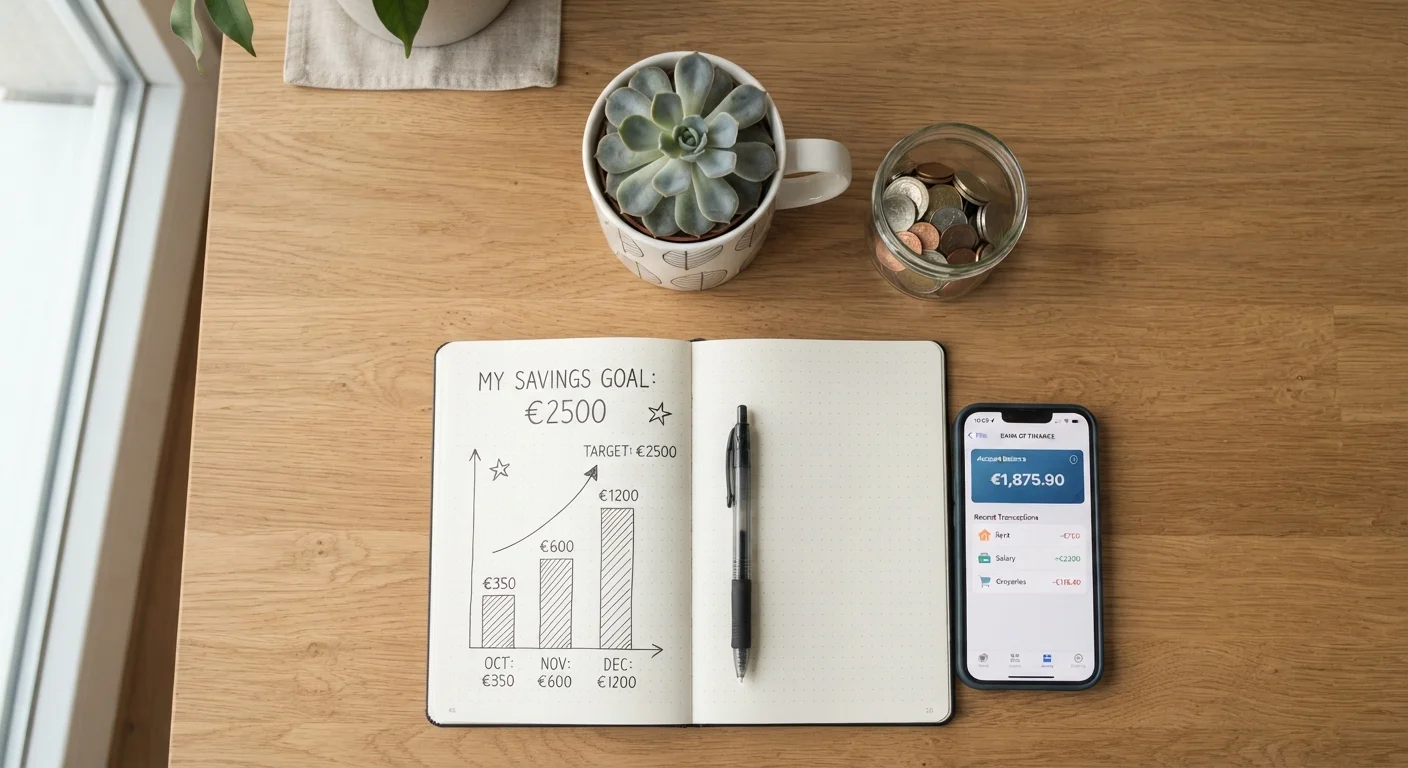
Photo: InfoAlly.net | Finding Info Made Easy editorial
Key Takeaways
- Automated savings transfers move money to a savings account before you have a chance to spend it.
- Most banks and credit unions let you schedule recurring transfers at no cost.
- Even small, consistent transfers can build a meaningful financial cushion over time.
- Choosing the right transfer amount requires a realistic look at your monthly budget.
- Automation works best when paired with a clear savings goal and a separate account.
Why Automation Removes the Willpower Problem
Saving consistently is less a discipline problem than a design problem. When money sits in your checking account, it is available - and available money gets spent. Automated transfers solve this by moving funds to savings on a fixed schedule, ideally before discretionary spending decisions arise. The result is a system that saves by default rather than by intention.
Behavioral research consistently shows that default options have outsized influence on financial outcomes. When saving is opt-out rather than opt-in, more people do it - and do it reliably. This is the same principle behind employer-sponsored retirement plans that automatically enroll participants. You do not need to rely on a better mood or a quieter week to follow through.
For a broader view of how saving fits into a longer-term financial picture, A Complete Overview of Saving and Growing Your Money covers the full landscape from first principles onward. And if you are still working on the budget foundation that makes automation sustainable, the Budgeting Basics hub is a practical starting point.
Time Your Transfer with Your Paycheck
What You Need and How to Set It Up
Getting automated savings running requires only a few things: a checking account, a separate savings account, and access to your bank's transfer tools. No special software or financial expertise is needed.
What you will need
Online or Mobile Banking Portal
Used to schedule, adjust, and monitor recurring transfers between your accounts.
Separate Savings Account
Keeps saved funds distinct from spending money, reducing the temptation to dip into them.
Monthly Budget or Spending Tracker
Helps you determine a safe, realistic transfer amount before you automate.
Direct Deposit Split (Payroll Setting)
Allows a portion of each paycheck to go directly to savings, bypassing your checking account entirely.
Review your monthly budget to find a transfer amount
Before touching any banking settings, spend a few minutes looking at your actual numbers. Add up your fixed monthly expenses - rent or mortgage, utilities, loan payments, subscriptions - and subtract them from your take-home pay. What remains is your discretionary income. A common starting point is directing 5-10% of take-home pay to savings, but the right number is whatever you can sustain without regularly overdrawing your account.
If you do not yet have a formal budget, even a rough estimate based on recent bank statements is enough to get started. You can always adjust the amount later. For structured help defining what you are saving toward, see Setting a Savings Goal You'll Actually Stick To.
Open or confirm your destination savings account
Automated savings work best when the destination account is separate from your everyday checking account. This separation creates a small psychological barrier that discourages casual withdrawals. Confirm that your savings account is already linked to your checking account for transfers. If you are opening a new account, allow a few business days for the institution to verify the connection.
Understanding how interest accrues on your savings account can influence which account you choose. How Interest Rates on Savings Accounts Actually Work explains terms like APY and compounding in plain language.
Schedule the recurring transfer through your bank
Log in to your bank's online or mobile portal and navigate to the transfers section. Select your checking account as the source and your savings account as the destination. Choose your transfer amount, set the frequency (weekly, bi-weekly, or monthly), and pick a start date that aligns with your pay schedule. Confirm the settings and save.
Most major banks and credit unions offer this feature at no charge. If your employer offers direct deposit splitting, consider setting that up through your payroll system instead - it routes money to savings before it ever appears in your checking account.
Monitor your first two or three transfer cycles
After your first transfer processes, verify that it completed without triggering an overdraft and that the amount arrived in your savings account. Track your spending for the following two to three weeks to confirm the reduced checking balance does not create a cash-flow problem. This observation period is your proof-of-concept before you treat the automation as fully hands-off.
Revisit and adjust your transfer amount over time
Automation is not set-and-forget forever. Any significant change in income or expenses - a raise, a new bill, a change in rent - is a signal to log back in and reconsider the transfer amount. Building a habit of reviewing your savings setup every few months keeps the system aligned with your real financial situation. This practice pairs naturally with the broader spending habits covered in Habits That Keep Everyday Spending Aligned with What You Actually Value.
Avoid Overdraft Fees Before You Start
Review Your Transfer Amount Regularly
This article is for general informational and educational purposes only and does not constitute personalized financial advice. Consult a qualified financial professional for guidance tailored to your individual circumstances.
The content on this site is for informational purposes only and is not a substitute for professional advice. Always consult a qualified professional for guidance specific to your situation.