
The Connected Home Explained: What Smart Home Tech Actually Does

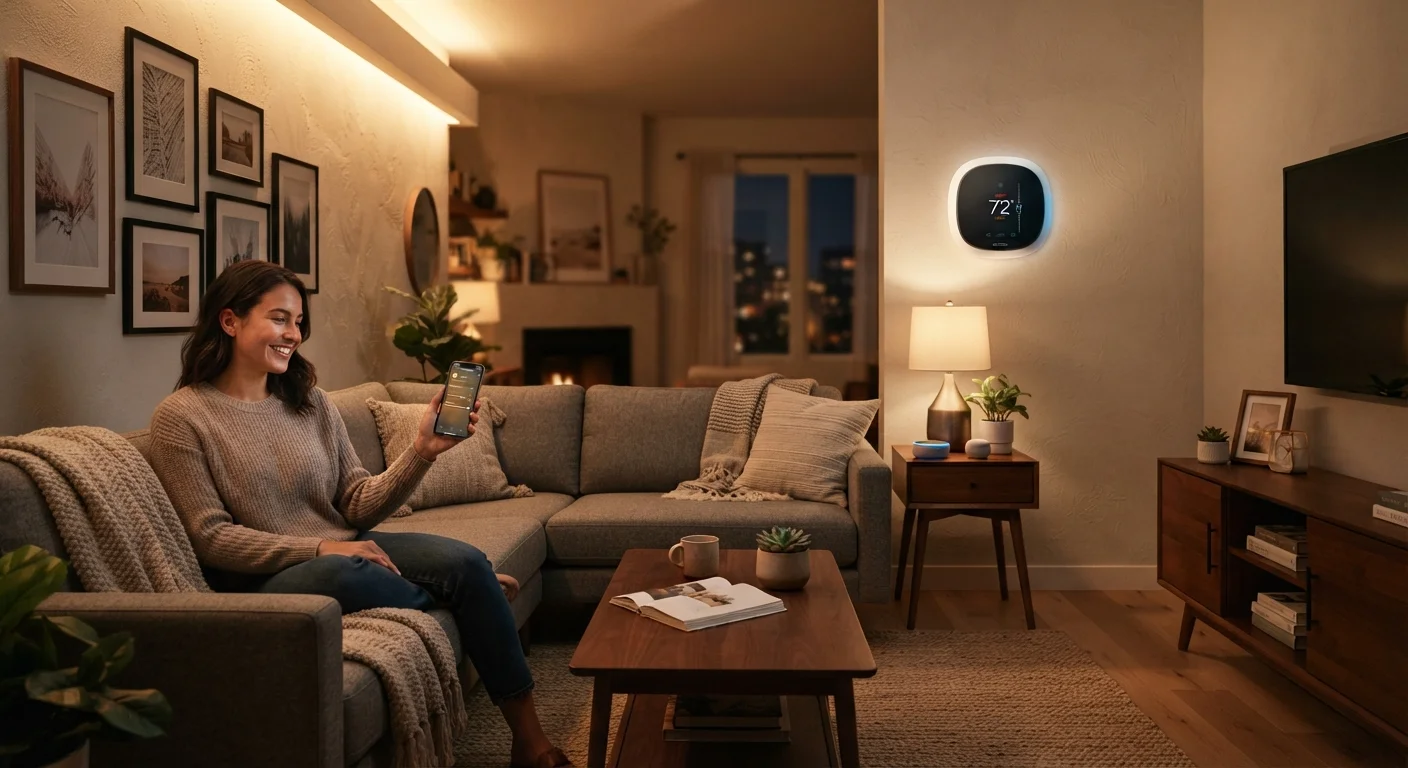
Photo: InfoAlly.net | Finding Info Made Easy editorial
Key Takeaways
- Smart home devices connect through your existing Wi-Fi or dedicated short-range wireless protocols.
- A central hub or app acts as the command center that links devices together.
- Automation rules let devices respond to triggers - like time of day or your location - without manual input.
- Energy monitoring and remote access are among the most practical everyday benefits.
- The Matter standard is making cross-brand compatibility more reliable for new devices.
How Smart Home Devices Actually Communicate
The phrase "smart home" gets used broadly, but at its core, it simply means household devices that can send and receive data over a network. When you adjust your thermostat from across town or get an alert that your front door just opened, that's a device talking to your smartphone through the internet.
Most devices use one of a few wireless methods to communicate:
- Wi-Fi - connects directly to your home router, no extra hardware needed, but consumes more power.
- Zigbee and Z-Wave - low-power short-range signals designed specifically for smart home use; devices form a mesh network, meaning each device can relay signals to extend coverage.
- Bluetooth - useful for very close-range control, such as a smart lock at your front door.
- Matter - a newer standard that lets devices from different brands work together over a common language.
Understanding which protocol a device uses helps explain why some products need a separate hub while others plug straight into your router. For a deeper look at where to begin building your setup, see our guide on starting smart home tech from scratch.
~57%
U.S. broadband homes with at least one smart device
Parks Associates research has consistently found smart home device ownership concentrated among broadband households, with penetration rising each year.
4+
Average smart devices per adopting household
Industry analysts tracking smart home adoption note that households rarely stop at a single device once they experience the first integration.
Matter
Devices supporting cross-brand standard (growing category)
The Connectivity Standards Alliance reports a growing number of certified Matter devices from major manufacturers as of its most recent published figures.
What Automation Actually Means Day-to-Day
Automation is the feature that separates a smart home from simply having remote-controlled gadgets. Instead of tapping your phone every time you want the lights dimmed, you set a rule - and the system follows it automatically.
Common automation examples include:
- Lights that turn off automatically when everyone leaves the house, based on phone location.
- A thermostat that lowers the temperature at bedtime and raises it before your alarm goes off.
- A smart plug that cuts power to a coffee maker after a set number of hours.
These rules are created inside an app and stored either in the cloud or on a local hub. When the trigger condition is met - a specific time, a sensor reading, or a location signal - the action fires without any input from you.
Start with one room or one problem
If your devices ever stop responding to those automations, there's usually a fixable technical cause behind it. Our article on why smart homes drop connections walks through the most common culprits.
Practical Benefits Homeowners Notice Most
Smart home technology earns its place in daily life through a handful of genuinely useful outcomes - not novelty alone.
Energy awareness is one of the most cited benefits. Smart thermostats and plugs can surface data about how much power specific devices draw, giving households a clearer picture of where energy goes. Whether that translates to lower bills depends entirely on how you use that information.
Remote monitoring offers peace of mind that's hard to replicate otherwise - checking a camera feed when a package is delivered, or confirming the garage door is closed after you've already driven away.
Accessibility is an underappreciated benefit. Voice control and app-based operation make it easier for people with mobility limitations to manage lights, locks, and appliances independently.
Smart home gadgets also pair naturally with the everyday gadgets category of connected devices designed to simplify modern home life, as well as smartphones and wearables that serve as the primary control interface for most systems. Explore more in our phones and wearables coverage.
Frequently Asked Questions
The content on this site is for informational purposes only and is not a substitute for professional advice. Always consult a qualified professional for guidance specific to your situation.