
Why Your Smart Home Keeps Dropping Connections (and What's Actually Going Wrong)

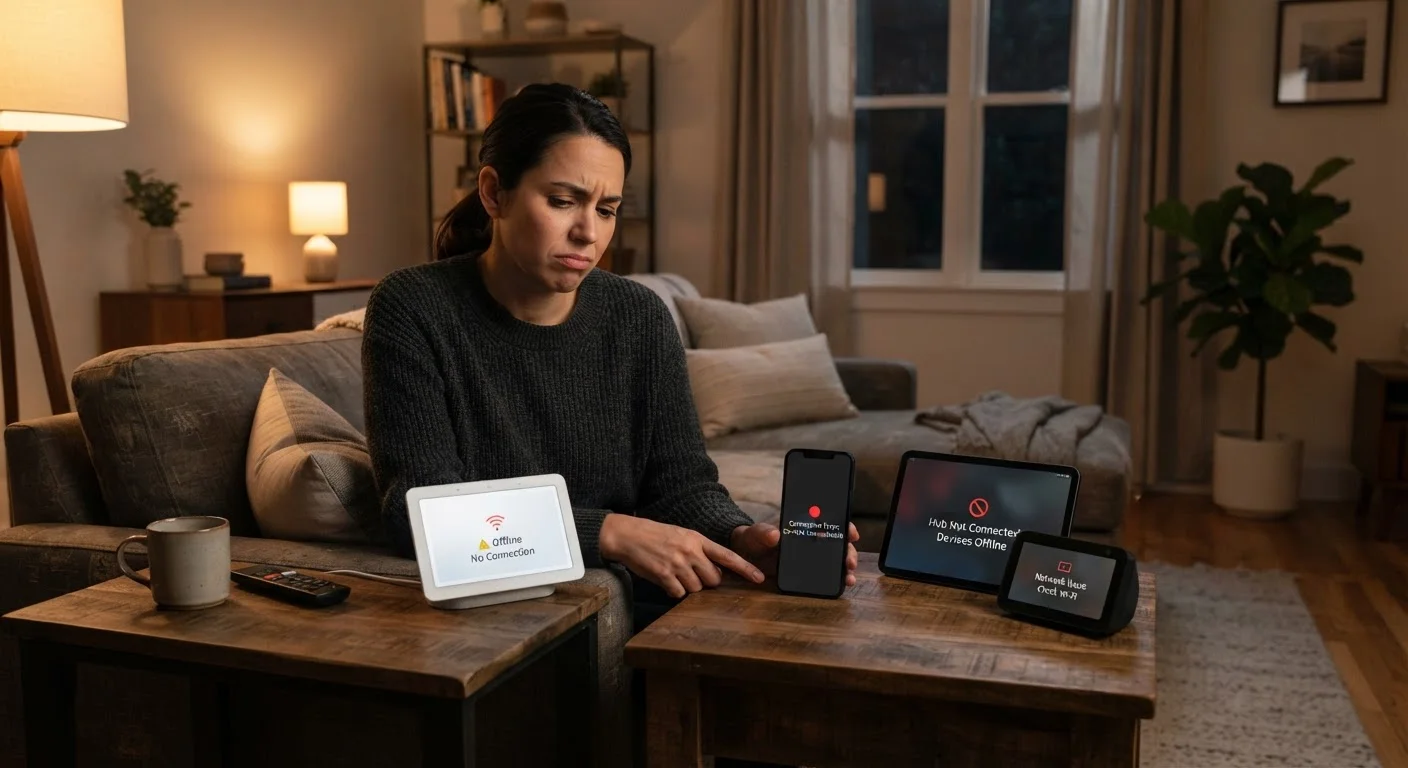
Photo: InfoAlly.net | Finding Info Made Easy editorial
Key Takeaways
- Most smart home dropouts trace back to router placement, network congestion, or interference - not device defects.
- Mixing devices that use different wireless protocols without a compatible hub is a leading cause of persistent failures.
- Firmware updates and network segmentation are simple habits that significantly reduce connection instability.
- Overloaded Wi-Fi channels cause many devices to fight for bandwidth, resulting in intermittent disconnections.
The Real Reason Smart Homes Get Unreliable
When a smart bulb stops responding or a thermostat goes offline, the instinct is to blame the device itself. In reality, the vast majority of smart home connection failures stem from network infrastructure - your router, wireless environment, and how devices are configured - not the gadgets. Understanding this shifts troubleshooting from frustrating guesswork to a short, logical checklist.
Smart home devices are typically low-power gadgets that rely on a stable, well-configured home network to function reliably. Add enough of them to a mediocre setup and the whole system becomes brittle. The good news: most causes are straightforward to fix once you know what to look for. If you're newer to connected home technology, this beginner's overview provides useful context on how smart home devices connect and communicate.
Your Router Is Doing Too Much
Common Mistakes Behind Connection Dropouts
The following mistakes explain why most smart homes become unreliable over time. Each one is avoidable with a targeted change - no technical expertise required.
Placing the router too far from smart devices, or in an enclosed cabinet that blocks the signal.
Connecting every smart device to the same crowded 2.4 GHz Wi-Fi channel.
Mixing devices that use incompatible wireless protocols without a compatible hub to bridge them.
Never rebooting the router or smart home hub, allowing memory and connection tables to become overloaded.
Overlooking interference from nearby appliances and neighboring networks.
~25+
Average connected devices per US household
According to Deloitte's Digital Media Trends survey, the average US household connects more than 25 devices to the internet, straining typical consumer routers.
2.4 GHz
Most congested Wi-Fi band in dense areas
The 2.4 GHz band is shared by Wi-Fi, Bluetooth, baby monitors, and microwaves, making channel congestion a persistent issue in apartments and dense neighborhoods.
One frequently overlooked issue is bulb-specific dropout behavior. If your smart lighting is particularly prone to dropping off, this focused guide on smart bulb disconnections covers the specific causes and fixes that apply to that device type.
Don't Ignore Firmware Updates
Building a More Stable Foundation
Addressing connection drops is less about reacting to each failure and more about building a network that handles the load from the start. A few structural improvements make the biggest difference:
- Segment your network: Create a separate Wi-Fi network (sometimes called a guest network or IoT network) dedicated to smart home devices. This reduces congestion and improves security. See smart home network hygiene practices for a practical walkthrough.
- Audit your device count: List every connected device in your home. If you're running 20 or more devices on a basic single-band router, hardware limitations may be the ceiling - not configuration.
- Stick to one ecosystem where possible: Devices designed to work together share protocols and hubs, reducing the compatibility friction that causes silent failures. For a broader look at what this costs and requires, this article on smart home realities is worth reading before expanding your setup.
Smart home reliability isn't about buying more expensive gadgets - it's about giving every device a clean, consistent network path and keeping that infrastructure maintained.
The content on this site is for informational purposes only and is not a substitute for professional advice. Always consult a qualified professional for guidance specific to your situation.