
Keeping a Smart Home Secure: What Good Network Hygiene Looks Like

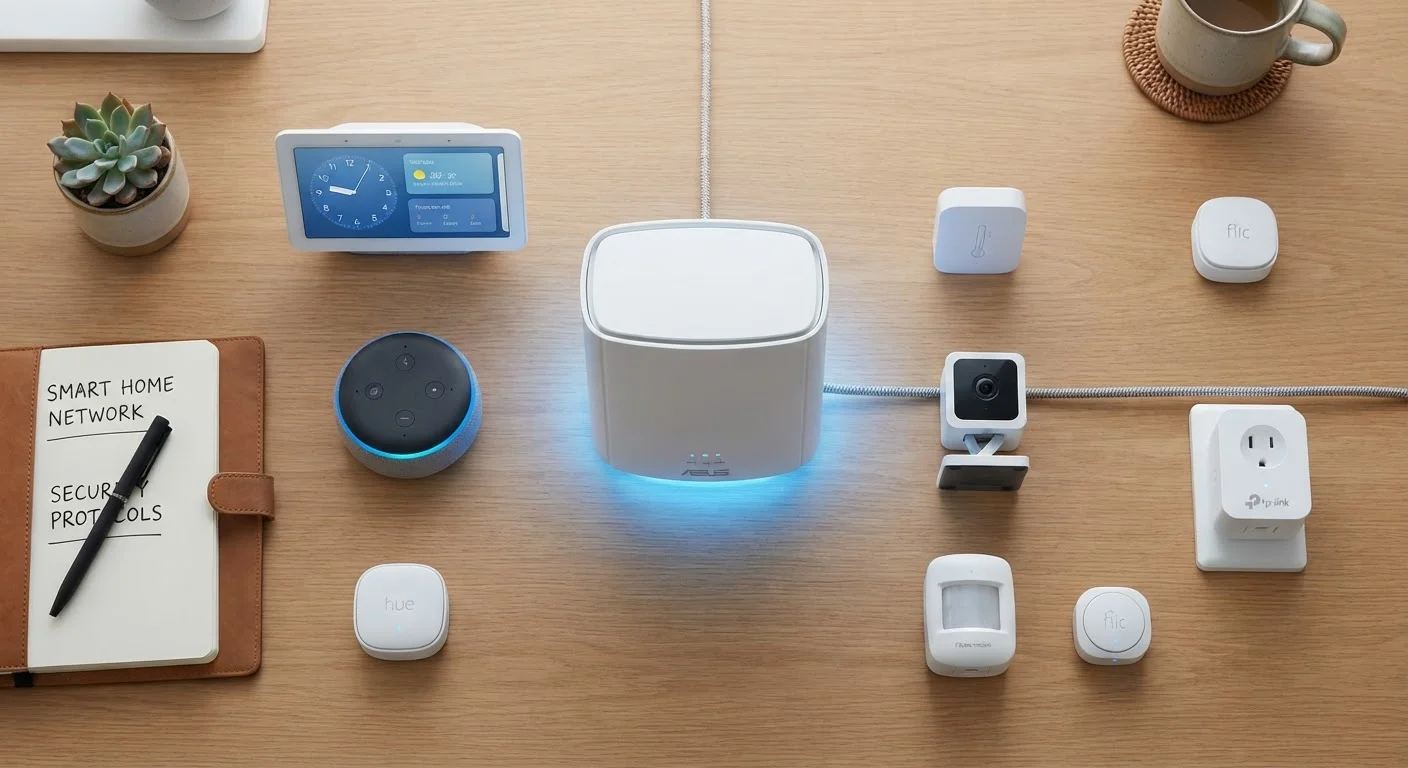
Photo: InfoAlly.net | Finding Info Made Easy editorial
Key Takeaways
- Isolating smart devices on a separate guest network limits the damage any single compromised device can cause.
- Enabling automatic firmware updates is one of the simplest and most effective security habits available.
- Strong, unique passwords on your router and each device account close the most common entry points for attackers.
- Disabling unused features like remote access or UPnP reduces your home network's exposure to outside threats.
- Regularly reviewing which devices are connected helps catch unfamiliar or forgotten hardware quickly.
Why Smart Homes Create New Security Responsibilities
Every device you add to your home network - a thermostat, a video doorbell, a smart bulb - is a small computer running software. Like any computer, it can have vulnerabilities, and those vulnerabilities can become entry points if left unaddressed.
The good news is that you don't need a technical background to manage this well. Most meaningful smart home security comes down to a handful of consistent habits rather than specialized knowledge. If you're new to the topic, the connected home explained is a useful starting point for understanding how these devices communicate.
Network Hygiene Isn't Just for Tech Enthusiasts
Core Practices That Meaningfully Reduce Risk
The practices below aren't theoretical - they reflect how security professionals think about defending networked environments, scaled down to what's practical for a typical household.
Create a dedicated network segment for all smart home devices.
Enable automatic firmware updates on your router and every smart device.
Use a strong, unique password for your router's admin interface.
Disable features you don't actively use, especially remote access and UPnP.
Periodically audit which devices are connected to your network.
Quick Steps You Can Take Today
You don't need to overhaul everything at once. Starting with a few high-impact actions is far better than doing nothing while waiting for the perfect plan. The checklist at before you buy a smart device also covers security questions worth asking before any new purchase.
For smartphone-level habits that complement what you do at home, see keeping your smartphone secure.
Ongoing Habits That Keep Protection Current
Network security isn't a one-time setup - it's a lightweight, ongoing practice. Setting a calendar reminder every few months to review connected devices, check for router firmware updates, and rotate critical passwords goes a long way. If your smart home also includes locks or access control, the implications go beyond data - see smart locks vs. traditional deadbolts for how digital and physical security intersect.
57%
IoT devices vulnerable to medium- or high-severity attacks
According to a Palo Alto Networks Unit 42 report, more than half of surveyed IoT devices were susceptible to known vulnerabilities - largely due to outdated firmware.
15+
Average connected devices in a US household
Research from Deloitte's Digital Media Trends survey indicates the typical American home now has more than 15 connected devices, a number that continues to grow year over year.
Connectivity problems can sometimes mask security misconfigurations. If devices keep dropping off your network unexpectedly, why your smart home keeps dropping connections walks through the most common culprits.
The content on this site is for informational purposes only and is not a substitute for professional advice. Always consult a qualified professional for guidance specific to your situation.