
Smart Home Tech

Before You Buy a Smart Device: A Compatibility and Privacy Checklist

Before You Buy a Smart Device: A Compatibility and Privacy Checklist

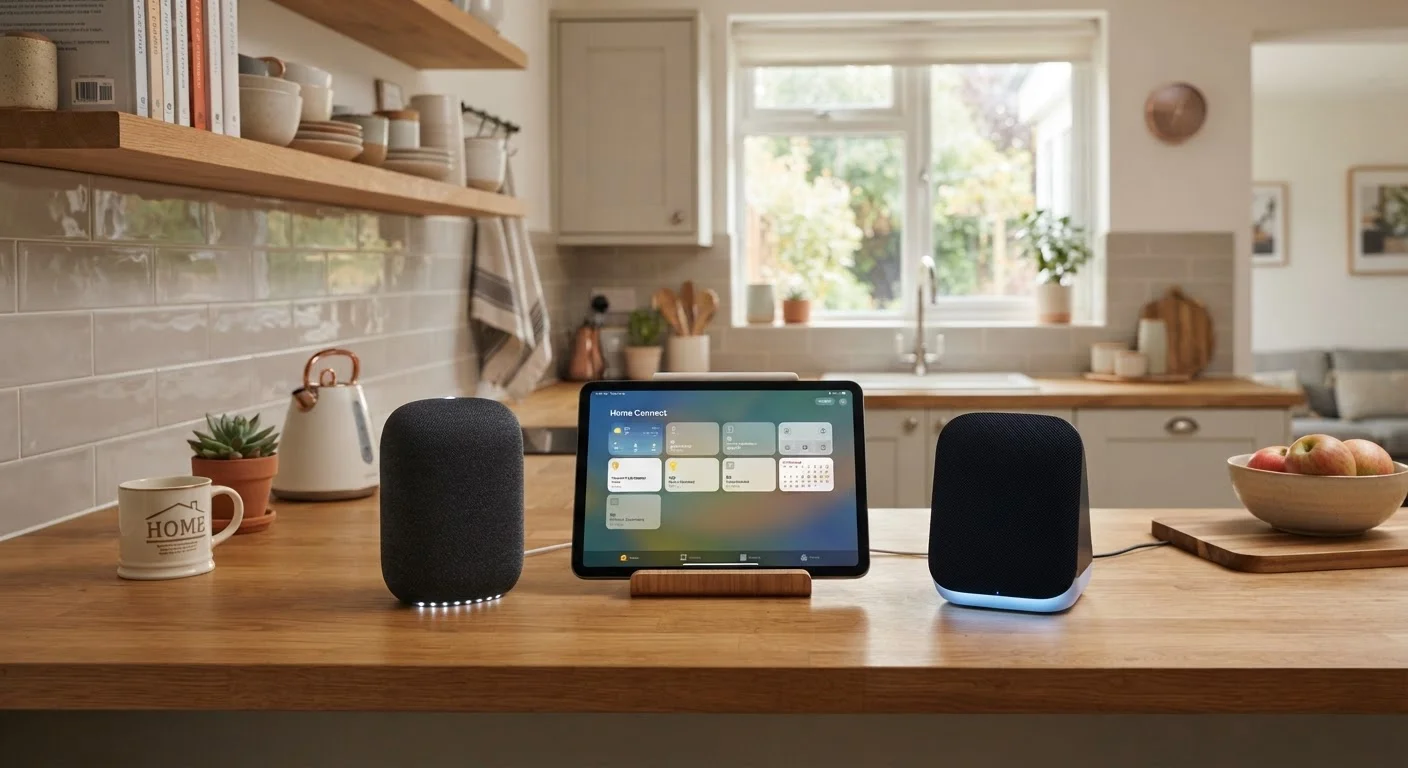
Photo: InfoAlly.net | Finding Info Made Easy editorial

Eleven questions to answer before adding any new device to your home network—covering compatibility, data practices, and security.

Key Takeaways

  • Confirming compatibility with your existing ecosystem prevents the most common smart device headaches.
  • Every connected device shares some data — knowing what and with whom is a baseline privacy habit.
  • Security update policies vary widely; a device that stops receiving patches becomes a liability.
  • Your home Wi-Fi setup determines whether a new device will work reliably or frustrate you daily.
  • Running through this checklist before purchase is faster than troubleshooting or returning a device afterward.

Why You Need a Pre-Purchase Checklist

Smart devices — speakers, locks, thermostats, doorbells, cameras — promise to make daily life easier. Many do exactly that. But a significant number end up sitting in a drawer or causing ongoing frustration because of one avoidable problem: a mismatch between what the device needs and what the buyer's home or habits can actually provide.

The checklist below addresses the two areas that trip up most buyers: compatibility (will it actually work in my setup?) and privacy (what does this device do with my data?). These aren't obscure technical concerns — they're practical questions that take minutes to investigate and can prevent weeks of regret.

If you're newer to connected home tech, the homeowner's starting point for smart home tech covers the foundational concepts behind how these devices connect and communicate. And if you're weighing a bigger purchase decision more broadly, questions worth asking before any major purchase is a useful complement to this checklist.

Compatibility

Confirm which voice assistant or smart home platform the device supports (e.g., Matter, Google Home, Amazon Alexa, Apple HomeKit) and verify that it matches the one you already use. Must
Check whether the device requires a separate hub or bridge — and if so, confirm you own the compatible one or are willing to buy it. Must
Verify the wireless protocol the device uses (Wi-Fi, Zigbee, Z-Wave, Thread, Bluetooth) and confirm your router or hub supports it. Must
Confirm whether the device needs a 2.4 GHz or 5 GHz Wi-Fi band, since many smart devices only operate on 2.4 GHz. Must
Check whether a companion app is required and that the app is available for your phone's operating system (iOS or Android). Must
Look up whether the device works offline or becomes non-functional if your internet connection drops. Should

Privacy and Data Practices

Locate the device's privacy policy and identify what categories of data it collects — audio, video, location, usage patterns, or personal account details. Must
Find out whether data is stored locally on the device, in the cloud, or both — and determine who has access to cloud-stored data. Must
Check whether the manufacturer shares or sells your data to third parties, and under what conditions. Must
Identify what data deletion rights you have, and whether you can request erasure of your account and associated data. Should
Review whether the device has a physical privacy switch (e.g., a microphone or camera mute button) if it captures audio or video. Nice to have

Security and Longevity

Research the manufacturer's security update policy — specifically, how long firmware and software patches are supported after purchase. Must
Check whether the device received any reported security vulnerabilities in the past and whether those were patched promptly. Should
Confirm the device supports strong authentication, such as two-factor login for its associated account or app. Should
Determine whether the device can be placed on a guest or IoT-segmented network, which limits exposure if it's ever compromised. Nice to have

Practical Fit

Identify a specific, real-world problem this device solves in your home — if you can't name one clearly, reconsider the purchase. Must
Check return and warranty policies before buying, particularly if you're purchasing from a third-party seller or online marketplace. Should

What to Do With Your Answers

Working through this checklist isn't about finding reasons not to buy — it's about making sure you're buying with clear eyes. A device that fails two or three of these checks isn't automatically off the table, but those failures deserve deliberate thought rather than a shrug at the checkout screen.

Discontinued Support Is a Real Risk

When a manufacturer stops issuing firmware updates for a device, any security vulnerabilities discovered after that point go unpatched. A smart lock or camera running outdated firmware can become an entry point into your home network. Before purchasing, confirm the manufacturer's stated support window and factor that into your decision — especially for devices that handle physical access or video.

On the privacy side, the most common mistake is assuming that a lower-profile or less-expensive device collects less data. That assumption is frequently wrong. Read the privacy policy — specifically the sections on data sharing with third parties and data retention — before you decide. If the policy is buried, vague, or unavailable in English, treat that as a meaningful signal.

For network and security considerations, smart home network hygiene covers the ongoing habits that protect your devices after setup. And if wireless protocols like Zigbee or Thread appeared in your research and left you confused, the guide to smart home wireless protocols explains each one in plain language.

Free Services Often Have a Data Trade-Off

Some smart devices offer free cloud storage, free subscription tiers, or free premium features — at least initially. It's worth understanding how the business sustains those offerings, as data monetization is a common model. Review the terms of service, not just the marketing page, before assuming a free feature comes with no strings attached.

Finally, if this checklist applies to a specific device category — a doorbell, for example — there may be additional considerations unique to that product type. The complete guide to smart doorbells is one example of where category-specific detail lives.

Tech & Gadgets Editorial Team

InfoAlly.net | Finding Info Made Easy

Tech & Gadgets Editorial Team is the collective byline for our editorial team and contributor network. Articles published under this byline or an editorial pen name are researched, written, and reviewed according to our editorial standards for clarity, consistency, and independence before publication.

Everyday GadgetsSmart Home TechPhones & Wearables
View author profile

The content on this site is for informational purposes only and is not a substitute for professional advice. Always consult a qualified professional for guidance specific to your situation.