
Ways People Unknowingly Shorten Their Smartwatch's Lifespan

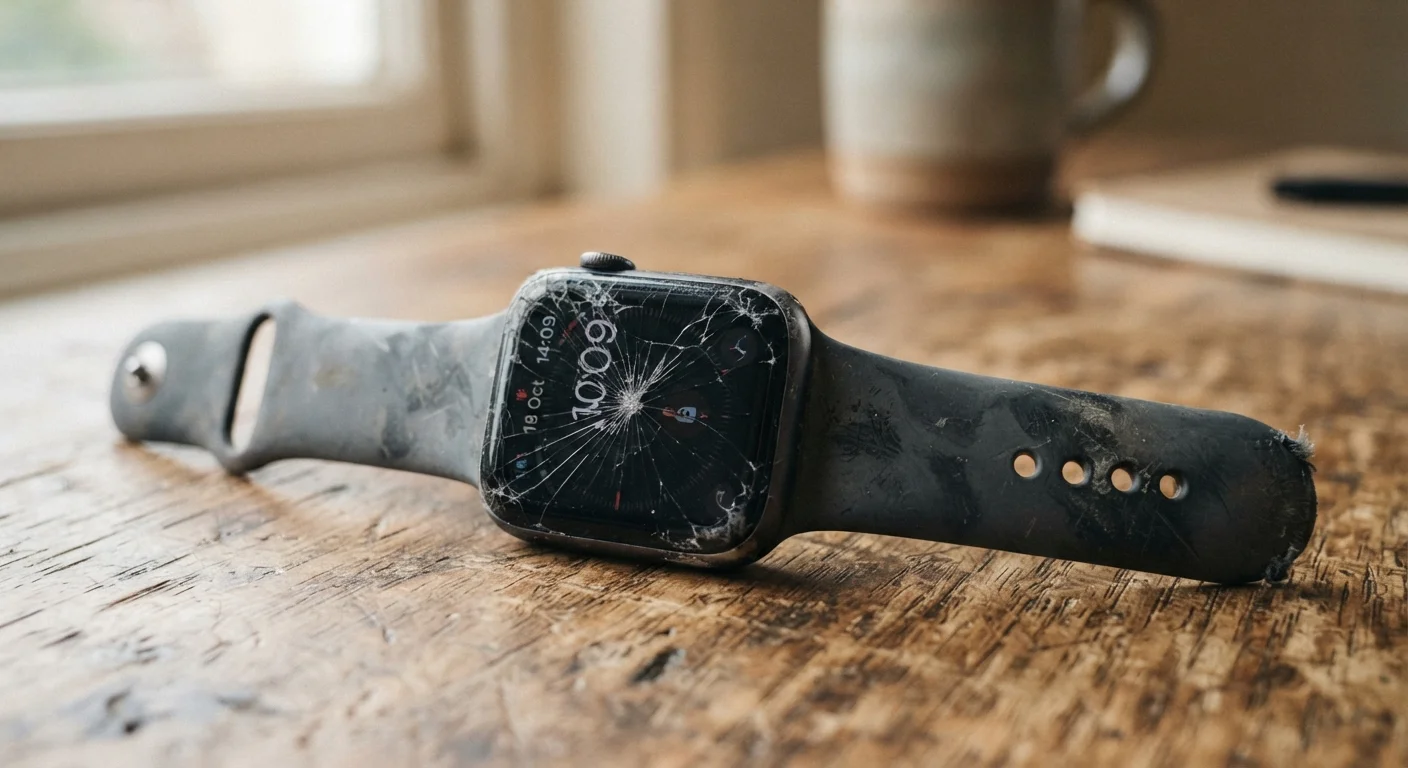
Photo: InfoAlly.net | Finding Info Made Easy editorial
Key Takeaways
- Keeping a smartwatch plugged in past 100% degrades its battery faster over time.
- Skipping software updates can leave the device running inefficiently and drain the battery prematurely.
- Silicone and leather bands require different cleaning routines - ignoring this accelerates wear.
- Exposing a smartwatch to water beyond its rated resistance level risks permanent internal damage.
- Always-on display and continuous heart rate tracking are battery-intensive settings worth reviewing.
Why These Habits Go Unnoticed
Smartwatches are designed to feel effortless - you strap one on and largely forget about it. That ease of use is exactly why wear-accelerating habits slip in unnoticed. Unlike a laptop that visibly heats up or a phone with obvious battery warnings, a smartwatch quietly absorbs the cumulative cost of daily misuse until performance drops noticeably.
Understanding how these devices actually work helps put the habits below in context. If you're curious about what the sensors inside your watch are doing moment to moment, see our guide to what wearable health sensors actually measure - knowing the hardware helps explain why care matters.
Leaving the watch on the charger overnight every night.
Skipping or delaying software and firmware updates.
Wearing the watch too tightly or too loosely on the wrist.
Cleaning the band and case with harsh chemicals or abrasive cloths.
Running battery-draining settings continuously without purpose.
Ignoring minor cracks or damage to the watch face or band attachment.
Practical Steps to Reverse the Damage
The good news is that most of these habits are easy to correct once you're aware of them. Battery degradation is cumulative but slow - changing your charging routine today will extend the remaining useful life of your current battery, even if it can't undo past wear.
Heat Is a Silent Battery Killer
Settings audits take only a few minutes. Open your watch's companion app, navigate to battery or power settings, and review which always-on features are genuinely useful to you. For most people, periodic heart rate monitoring is sufficient outside of dedicated workouts. These adjustments apply broadly - whether you're on a purpose-built fitness tracker or a full-featured smartwatch. For a broader look at keeping all your everyday devices in good shape, our guide to extending the life of everyday gadgets covers complementary habits for phones and earbuds.
Water Resistance Is Not Waterproofing
Finally, keep in mind that smartwatch usage often shifts as life circumstances change. Our overview of how wearable usage patterns shift across life stages is useful context if your activity level or health tracking needs have recently changed - because how you use the device affects how you should care for it.
2-3 years
Typical smartwatch battery lifespan
Industry guidance commonly estimates lithium-ion wearable batteries retain acceptable capacity for roughly 300-500 full charge cycles, which translates to about two to three years of daily use.
20%+
Capacity loss from heat exposure
Battery research has consistently shown that sustained exposure to temperatures above 86°F (30°C) during charging can accelerate lithium-ion capacity loss by more than 20% compared to room-temperature charging.
The content on this site is for informational purposes only and is not a substitute for professional advice. Always consult a qualified professional for guidance specific to your situation.