
The Non-Technical Person's Starting Point for Smart Speakers

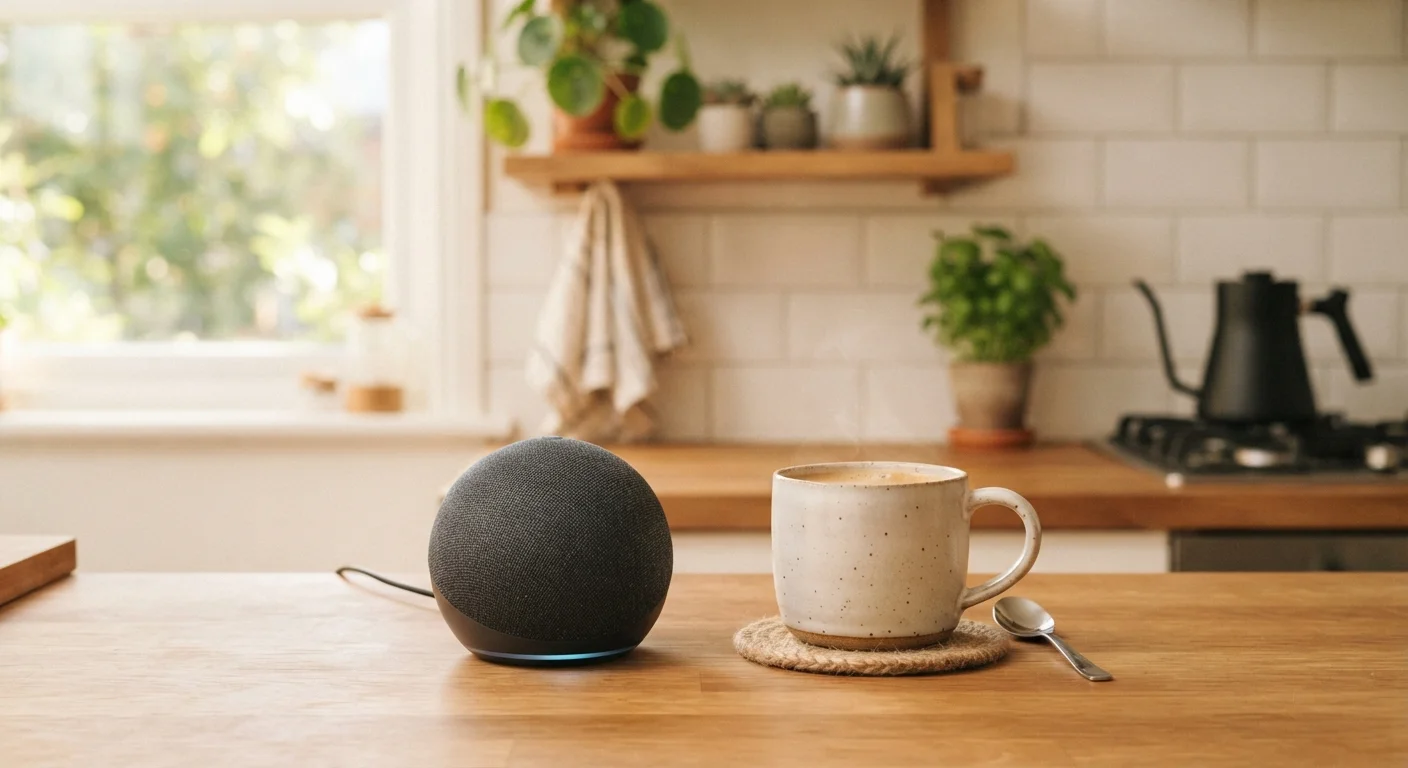
Photo: InfoAlly.net | Finding Info Made Easy editorial
Key Takeaways
- A smart speaker is a voice-controlled device that plays music, answers questions, and manages timers hands-free.
- Setup requires only a Wi-Fi connection and a smartphone app - no technical experience needed.
- Smart speakers listen for a specific wake word, not continuously recording all conversations.
- Privacy settings let you review and delete voice history stored by the device's service.
- Most practical value comes from simple daily tasks: reminders, timers, weather, and music.
What a Smart Speaker Actually Does
A smart speaker is a small, internet-connected device that responds to your voice. Speak a question or a request out loud, and the built-in voice assistant answers - without you touching a screen or pressing a button.
The core idea is hands-free convenience. Ask it to play music, read the weather forecast, set a kitchen timer, or remind you of an appointment. The device processes your voice, connects to the internet, and responds - usually within seconds.
Smart speakers are distinct from regular portable speakers, which only play audio from a connected phone. If you want to understand how those two categories compare in real-world use, see our article on portable versus smart speakers.
Wake word
A specific spoken phrase - such as a device's name - that activates the smart speaker's microphone and tells it to start listening for a command.
Voice assistant
The software inside a smart speaker that understands your voice, interprets your request, and delivers a response or takes an action.
Companion app
A free smartphone application provided by the device manufacturer that is used to set up the speaker and manage its settings.
Wi-Fi connection
A wireless internet link that allows the smart speaker to send and receive information without any physical cable.
Smart home ecosystem
A family of devices that are designed to work together and can be controlled through the same app or voice assistant.
What You Need Before You Start
The checklist for getting started is short:
- A Wi-Fi connection at home. The speaker needs internet access to work. It connects wirelessly, so no cables are needed.
- A smartphone (iOS or Android) to run the companion app during setup.
- An account with the speaker's service. Most devices require creating a free account, which links the speaker to your preferences and any connected services.
That's it. No special technical knowledge, no extra hardware, and no wiring. If you're thinking about adding more smart devices alongside your speaker later, the guide Smart Home Tech from Zero explains how everything fits together.
Setting Up Your Smart Speaker
Setup follows roughly the same steps across most devices:
- Plug in the speaker and wait for it to indicate it's ready - usually a light ring or a spoken prompt.
- Download the companion app on your smartphone. The app name is printed on the device's packaging.
- Open the app and follow the on-screen instructions. The app will ask you to sign into your account and select your home Wi-Fi network.
- Enter your Wi-Fi password when prompted. The app sends this to the speaker so it can connect.
- Wait for confirmation. The speaker typically speaks or flashes a light to signal a successful connection.
Place Your Speaker Where You Use It Most
Once set up, the speaker sits in the background and waits for its wake word. You never need to tap it or open the app for everyday requests.
For a broader walkthrough of setting up multiple smart devices in sequence, see Setting Up a Smart Home for the First Time.
Everyday Uses That Actually Help
The most practical value from smart speakers comes from small, repetitive tasks that are easier to speak than to type or tap:
- Timers and alarms - especially useful while cooking, when your hands are busy.
- Weather checks - a quick spoken question before leaving the house.
- Music and podcasts - ask by genre, mood, or artist name.
- Shopping lists - add items by voice as you notice them.
- Quick facts - unit conversions, spelling, definitions, or simple math.
Voice control can also extend to smart home accessories. If you're curious how voice commands compare to controlling devices through apps, our article on voice assistants versus dedicated apps covers the trade-offs clearly.
Privacy Basics You Should Know
Smart speakers work by listening for a wake word - a short phrase that activates the microphone and triggers a response. The device is not designed to record everything in the room, but it is always in a low-power listening state so it can detect that phrase.
Accidental Activations Do Happen
Here are the most practical privacy steps for any new user:
- Review stored voice history. Most companion apps include a section where you can listen to and delete past voice recordings.
- Use the physical mute button. All major smart speakers include a button that cuts power to the microphone entirely. Use it when you want guaranteed silence.
- Check data-sharing settings. Within the app, look for privacy or data settings to understand what information the service stores and how it is used.
For a thorough review of what to check before any smart device enters your home, the compatibility and privacy checklist is a practical next read.
Frequently Asked Questions
The content on this site is for informational purposes only and is not a substitute for professional advice. Always consult a qualified professional for guidance specific to your situation.