
Home Automation Hubs: The Case For and Against a Central Controller

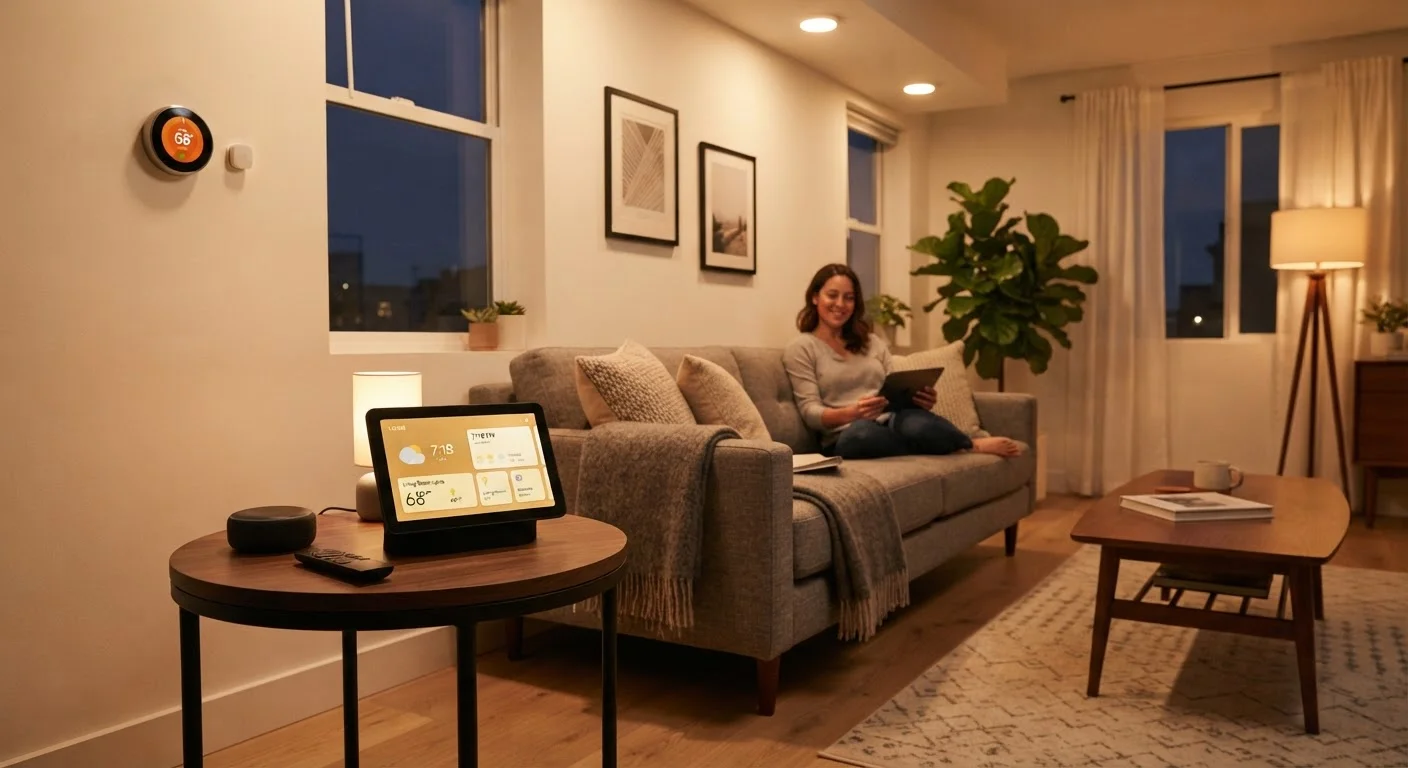
Photo: InfoAlly.net | Finding Info Made Easy editorial
Key Takeaways
- A home automation hub acts as a central coordinator for smart devices across different brands and protocols.
- Hubs offer the greatest value when you own many devices that don't share a common platform.
- For small or single-ecosystem setups, a hub may add cost and complexity without meaningful benefit.
- Local processing in dedicated hubs can improve reliability and response speed compared to cloud-only systems.
- Understanding your current and future device plans helps determine whether a hub is worth pursuing.
Works across brands and wireless protocols
Dedicated hubs support Zigbee, Z-Wave, and other protocols that most smartphones and voice assistants don't handle natively, letting you mix devices from different manufacturers without friction.
Local processing improves speed and reliability
Because commands run on the hub itself rather than bouncing through a cloud server, automations execute faster and continue working during internet outages.
Enables sophisticated, multi-step automations
Hubs allow complex conditional logic - such as triggering a sequence of actions based on time, sensor state, and occupancy simultaneously - far beyond what most consumer apps offer.
Reduces dependence on multiple apps
A single hub interface can consolidate control of dozens of devices, replacing the patchwork of manufacturer apps that typically accumulates as a smart home grows.
Greater long-term device compatibility
Because hubs speak established open protocols, they're less exposed to the risk of a manufacturer discontinuing an app or cloud service that would otherwise orphan your devices.
Adds upfront cost and setup complexity
Dedicated hubs carry their own purchase price and require meaningful configuration time - pairing devices, setting up automations, and troubleshooting - that plug-and-play devices skip entirely.
Unnecessary for small, single-ecosystem setups
If you own five or fewer devices that all work within one platform, a hub typically adds a layer of management without delivering enough coordination benefit to justify it.
Another device that can fail or go outdated
The hub itself becomes a critical point in your system - if it malfunctions or loses software support, your entire automation layer can be disrupted until you address it.
Steeper learning curve than consumer apps
Configuring advanced automations on most hubs requires more technical familiarity than mainstream smart home apps, which can frustrate less technical users in the early stages.
Some newer standards may reduce the need for one
Emerging interoperability standards are designed to improve cross-brand communication at the device level, which could gradually reduce the translation role that hubs currently fill.
What a Home Automation Hub Actually Does
A home automation hub is a dedicated device that acts as a translator and traffic controller for your smart home. Rather than relying on separate apps or cloud servers for each device brand, the hub communicates directly with lights, locks, sensors, thermostats, and more - often using protocols like Zigbee or Z-Wave that standard Wi-Fi routers don't speak natively.
Think of it as the difference between managing a dozen different TV remotes and having one universal remote that handles everything. The hub doesn't just issue commands - it can also run automations locally, meaning your routines keep working even when your internet goes down.
For a plain-language overview of how smart home devices communicate, see The Connected Home Explained. If you want to go deeper on how hubs specifically function, What Smart Home Hubs Actually Do covers the mechanics in detail.
The Case For a Central Hub
A dedicated hub genuinely earns its place in certain setups. Here's where it delivers the clearest value:
Works across brands and wireless protocols
Dedicated hubs support Zigbee, Z-Wave, and other protocols that most smartphones and voice assistants don't handle natively, letting you mix devices from different manufacturers without friction.
Local processing improves speed and reliability
Because commands run on the hub itself rather than bouncing through a cloud server, automations execute faster and continue working during internet outages.
Enables sophisticated, multi-step automations
Hubs allow complex conditional logic - such as triggering a sequence of actions based on time, sensor state, and occupancy simultaneously - far beyond what most consumer apps offer.
Reduces dependence on multiple apps
A single hub interface can consolidate control of dozens of devices, replacing the patchwork of manufacturer apps that typically accumulates as a smart home grows.
Greater long-term device compatibility
Because hubs speak established open protocols, they're less exposed to the risk of a manufacturer discontinuing an app or cloud service that would otherwise orphan your devices.
~40%
Smart home owners using multiple device brands
Industry surveys consistently find that a significant share of smart home households mix devices from at least two different manufacturers, creating the compatibility gaps hubs are designed to bridge.
100-300ms
Typical local vs. cloud command delay difference
Smart home researchers note that locally processed commands on a dedicated hub can execute in under 100 milliseconds, while cloud-routed commands often add 200-300ms or more of latency.
Beyond device compatibility, hubs enable a level of automation sophistication that app-based platforms often can't match. You can chain complex rules - for example, unlocking the front door, turning on the hallway light, and disarming a sensor all from a single action - without any of those devices needing to share the same brand or app.
The Case Against a Central Hub
A hub isn't a universal improvement. In several scenarios, it introduces more friction than it resolves:
Adds upfront cost and setup complexity
Dedicated hubs carry their own purchase price and require meaningful configuration time - pairing devices, setting up automations, and troubleshooting - that plug-and-play devices skip entirely.
Unnecessary for small, single-ecosystem setups
If you own five or fewer devices that all work within one platform, a hub typically adds a layer of management without delivering enough coordination benefit to justify it.
Another device that can fail or go outdated
The hub itself becomes a critical point in your system - if it malfunctions or loses software support, your entire automation layer can be disrupted until you address it.
Steeper learning curve than consumer apps
Configuring advanced automations on most hubs requires more technical familiarity than mainstream smart home apps, which can frustrate less technical users in the early stages.
Some newer standards may reduce the need for one
Emerging interoperability standards are designed to improve cross-brand communication at the device level, which could gradually reduce the translation role that hubs currently fill.
When Your Platform Already Does the Job
If your devices all live within one ecosystem - say, everything pairs natively with a single voice assistant platform - you may already have the coordination layer you need. Adding a hub on top can create redundancy rather than simplicity. See Smart Home Ecosystems: Choosing a Platform for a closer look at how major platforms compare.
How to Decide What's Right for Your Home
The honest answer is: it depends on where you are in your smart home journey and where you're headed. A few practical questions can point you in the right direction:
- How many devices do you have or plan to add? A hub becomes progressively more valuable as device count grows past roughly eight to ten units.
- Do your devices span multiple brands or wireless protocols? If so, a hub's translation capability starts to matter immediately.
- How important is reliability when the internet is out? Local processing is a meaningful advantage if your internet connection is inconsistent.
- Are you comfortable with some initial setup complexity? Hubs require more configuration upfront than plug-and-play alternatives.
If you're just starting out, it often makes sense to build your device collection first before committing to a hub. A first-time setup guide can help you sequence those early decisions wisely. You might also find it useful to think about which rooms to automate first before expanding your system further.
For control options regardless of which path you choose, Voice Assistants vs. Dedicated Apps walks through how day-to-day control actually works in practice.
The content on this site is for informational purposes only and is not a substitute for professional advice. Always consult a qualified professional for guidance specific to your situation.