
What Smart Home Hubs Actually Do - and Whether You Need One

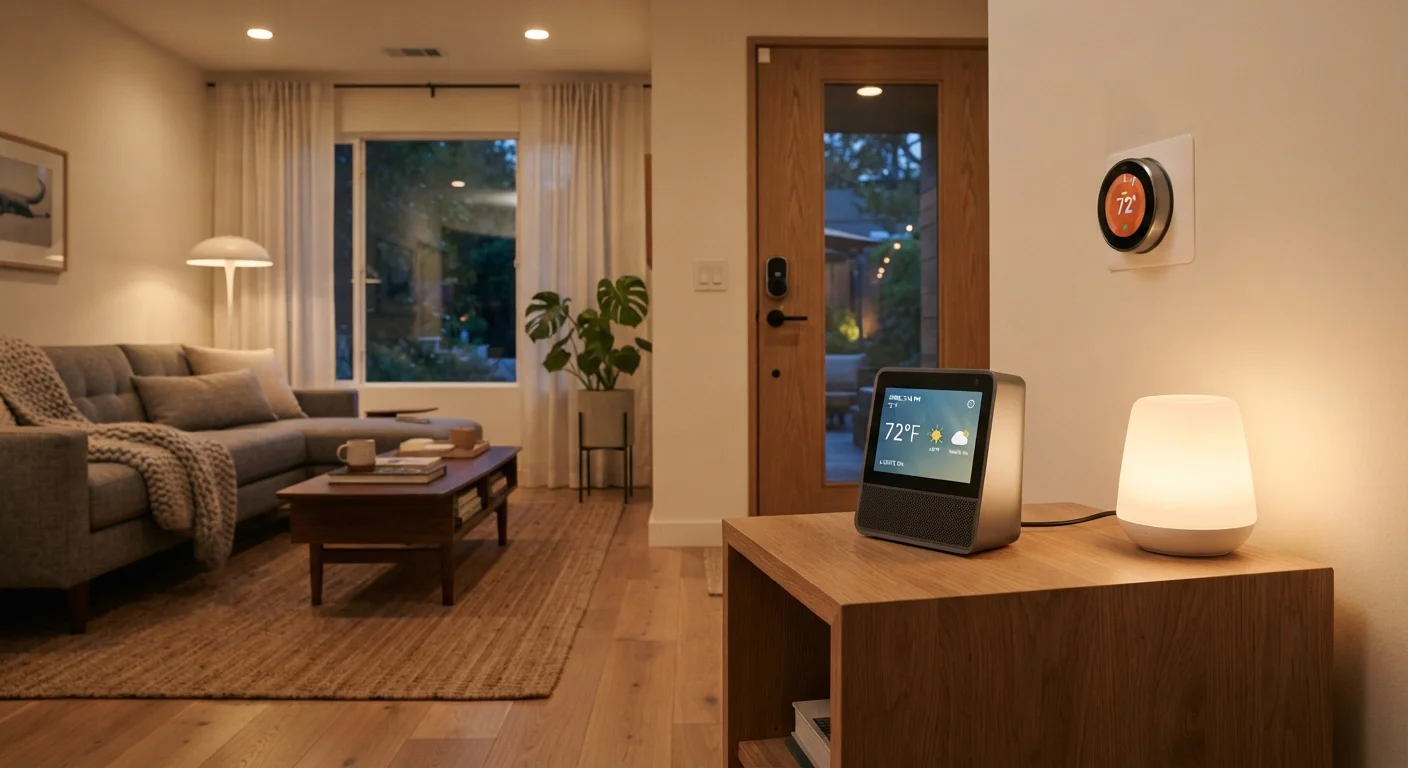
Photo: InfoAlly.net | Finding Info Made Easy editorial
Key Takeaways
- A smart home hub connects devices from different brands and lets you control them from one place.
- Hubs become most useful once you own devices that use different wireless protocols.
- Many people can start without a hub using app-based ecosystems like Google Home or Apple HomeKit.
- The arrival of the Matter standard is reducing some traditional reasons to need a dedicated hub.
- Automation - making devices react to each other automatically - is where hubs deliver the most value.
The Core Job of a Smart Home Hub
Think of a smart home hub the way you might think of a translator at a international meeting. Your smart light might speak one wireless language (Zigbee), your smart lock might speak another (Z-Wave), and your thermostat might use standard Wi-Fi. Without something in the middle to translate, those devices can't coordinate - they're isolated islands.
A hub bridges those gaps. It listens to all the devices in your home and gives them a shared way to communicate. The practical result is that you can, for example, set a rule that says: when the front door unlocks, turn on the hallway light and set the thermostat to 70°F - and the hub executes that automatically, behind the scenes.
For a broader look at how smart devices communicate in general, see our explanation of how smart home tech actually works. And if you want to understand the specific wireless protocols involved, our guide to Wi-Fi, Zigbee, Z-Wave, and Thread breaks them down in plain language.
Software Hubs Count Too
Hub vs. App-Based Ecosystem: What's the Difference?
When people first set up smart devices, they often use a platform like Google Home, Amazon Alexa, or Apple HomeKit - and that's perfectly reasonable. These platforms act as software hubs, letting you group devices and run basic automations through an app. For many households, this is entirely sufficient.
A dedicated physical hub goes further in a few specific ways. It can support a wider range of device protocols, run automations locally without needing a cloud server, and often offer more complex, conditional logic - like only turn on the porch light after sunset if motion is detected and no one is home.
57%
US households with at least one smart home device
According to Statista's smart home market research, more than half of US households had adopted at least one smart device as of recent years, with growth continuing steadily.
3+
Average wireless protocols in a mixed smart home
Consumer reports and smart home industry surveys frequently note that homes with more than a handful of devices typically encounter at least two or three different wireless protocols across their setup.
The trade-off is setup complexity. A dedicated hub typically requires more initial configuration than simply downloading an app. Whether that's worth it depends heavily on what you're trying to accomplish. Our balanced look at the case for and against a central controller explores this trade-off in detail.
When a Hub Genuinely Helps - and When It Doesn't
A hub earns its place in a home when you have a mix of devices from different brands or using different protocols. If you've accumulated a Zigbee sensor, a Z-Wave lock, and a handful of Wi-Fi bulbs, a hub is often the cleanest way to bring them together.
A hub is probably unnecessary if all your devices come from one ecosystem (say, everything works with a single voice assistant and one app), or if you only own a small number of devices that already play nicely together. Starting simple is almost always the right move - you can add a hub later as your setup grows. See our homeowner's starting point for smart home tech if you're just getting oriented.
The emerging Matter connectivity standard is also changing the calculus. Matter lets devices from competing brands talk to each other natively, which could eventually reduce the need for a dedicated hub in many setups. Learn more in our overview of what the Matter standard means for smart home devices.
Start Simple, Add a Hub Later If Needed
Getting Started: A Practical Path Forward
If you're still figuring out whether a hub fits your situation, a good first step is to list the devices you already own or plan to buy and check which wireless protocols they use. If everything is Wi-Fi and supported by one platform, you likely don't need a hub yet.
If you're seeing a mix of protocols, or you want automations that work reliably even during an internet outage, it's worth exploring what a dedicated hub adds. Our guide to choosing a smart home ecosystem that fits your home can help you weigh the options without locking yourself into the wrong platform. When you're ready to act, the step-by-step walkthrough for setting up a smart home for the first time covers hubs, apps, and device pairing in the right order.
Frequently Asked Questions
The content on this site is for informational purposes only and is not a substitute for professional advice. Always consult a qualified professional for guidance specific to your situation.